 JustTeam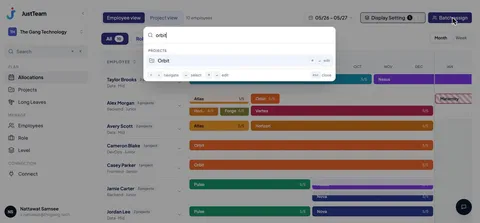
Spotlight search
Press ⌘K, type a name or project, and jump straight there.
JustTeam replaces Developer Capacity.xlsx with a real drag-and-drop allocation grid. See who's free, the moment you need to know.
Start free during alpha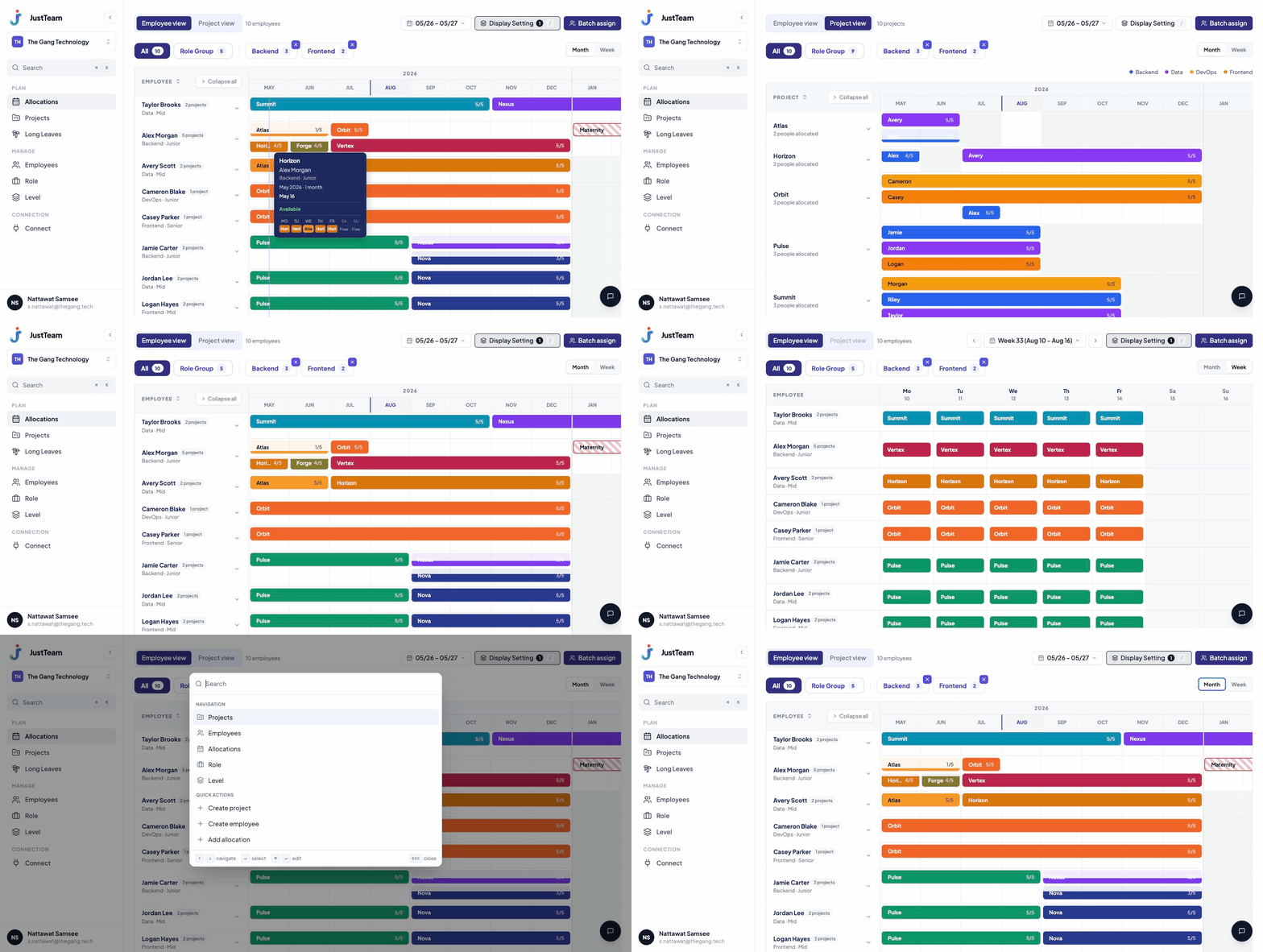
Drag an allocation bar from one person to another, right on the timeline. Switch between employee and project views, filter by team and level, and batch-assign when you need to staff several people at once.
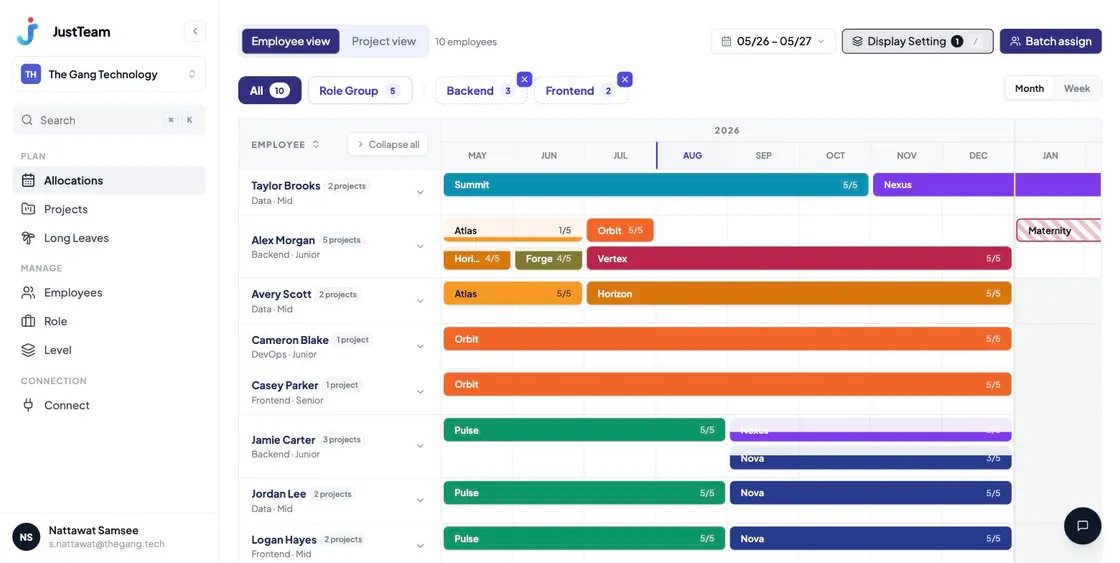
Save the filters you use every week as your own view. Search and reorder them in a couple of clicks — no re-filtering before every report.
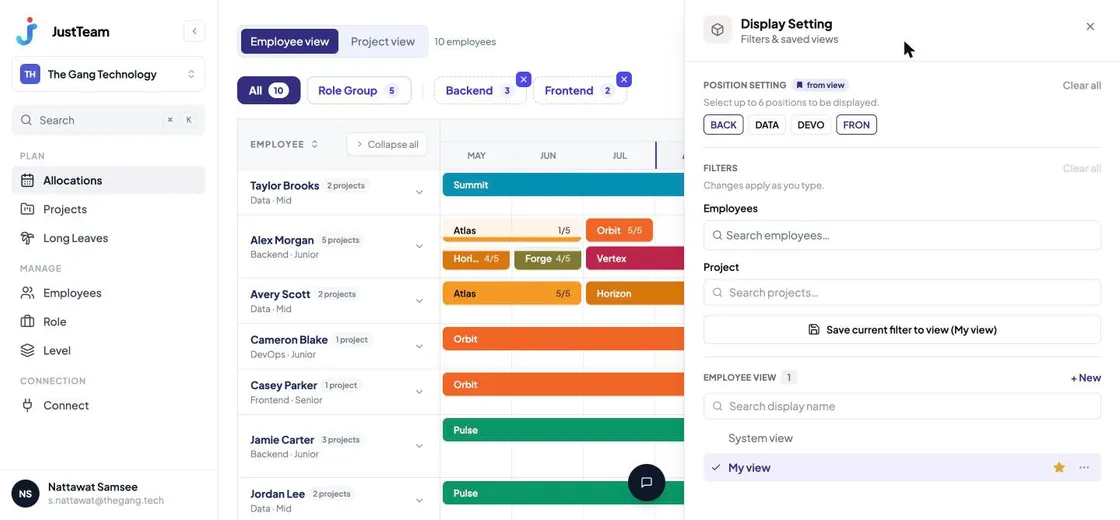
Connect JustTeam to Claude over MCP and ask who's free next month or who's overallocated — without opening the grid yourself.
A screenshot of Claude using JustTeam's tools is coming soon
Press ⌘K, type a name or project, and jump straight there.
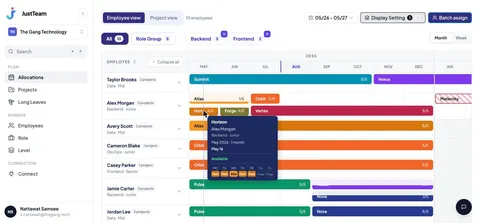
Hover any allocation bar for a day-by-day breakdown of who's free and when.
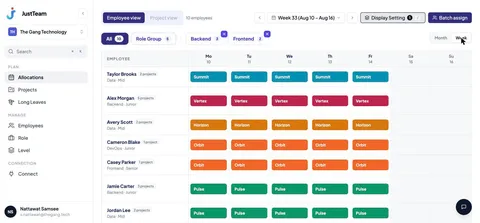
Switch between day, week, and month views to get the detail or the overview you need.
JustTeam is in alpha and free to try. Sign up today and start planning your team's capacity a new way.
Sign up